Houdini Resources — Wrangles
Wrangle Node Examples
Point wrangle nodes using snippets allow you to create geometry and UI controls.
Below is a gentle introduction to VEX and then assorted cards showing specific syntax.
See also the VEX, VOPs & Python page for additional references.
Video: Wrangle Node Introduction
My Examples
VEX syntax reference collection
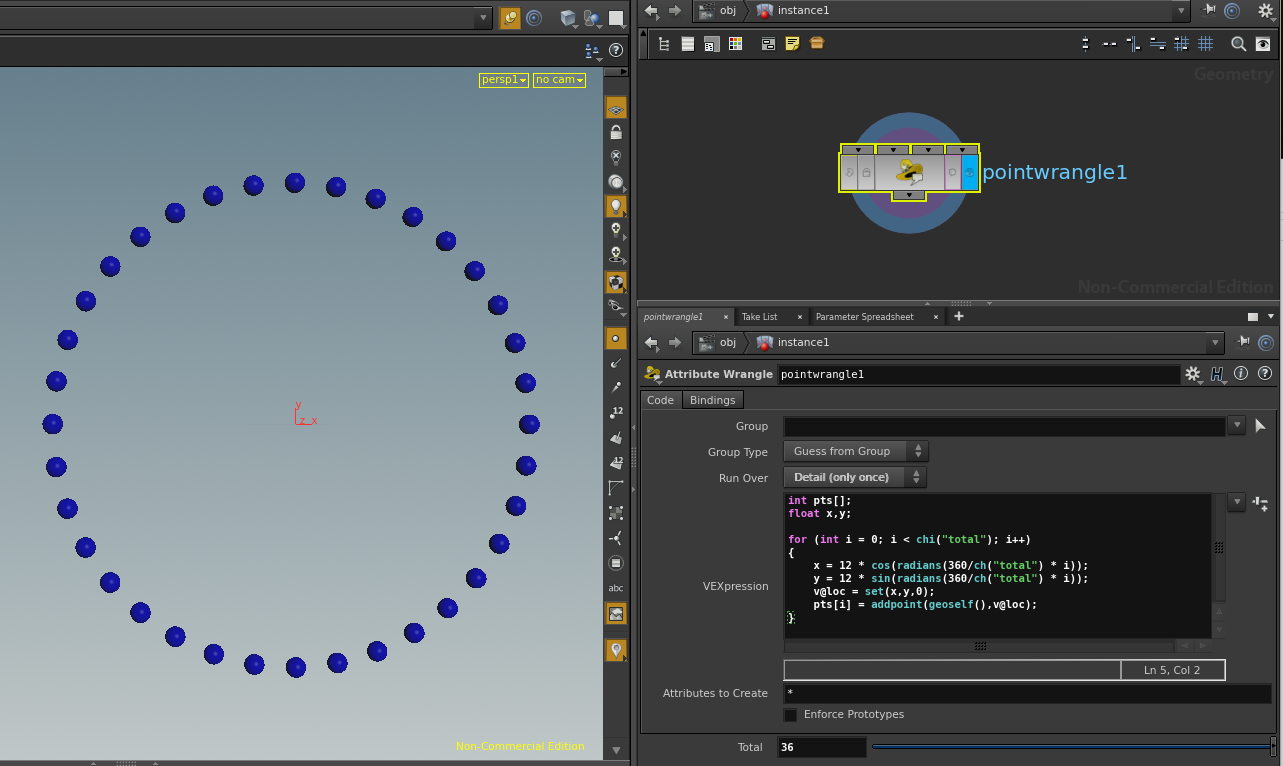
Circle of Points
demonstrates vex snippets
for loops
parameters
sin
cos
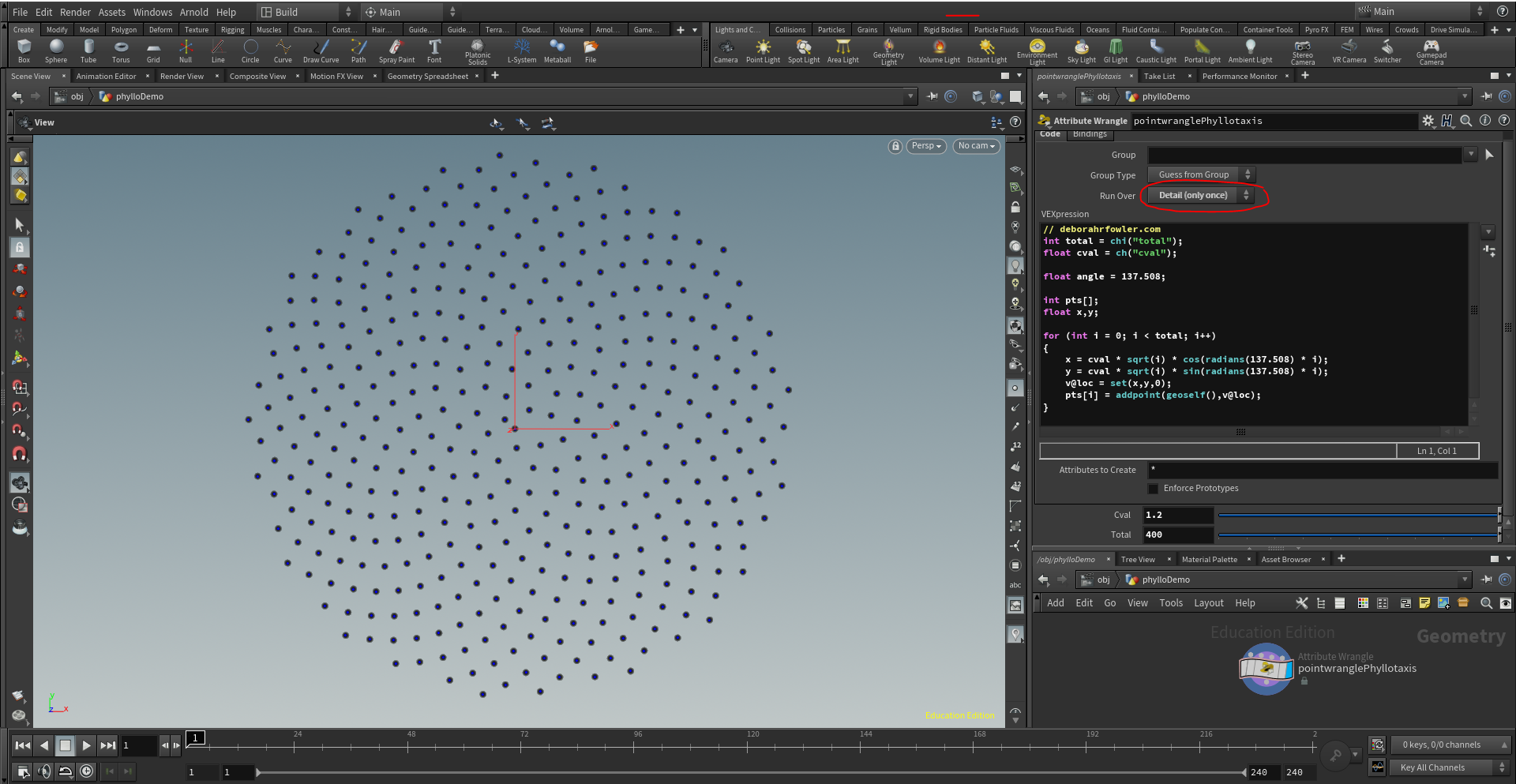
Phyllotactic Pattern
demonstrates vex snippets
for loops
parameters
sin
cos
Vogel's formula
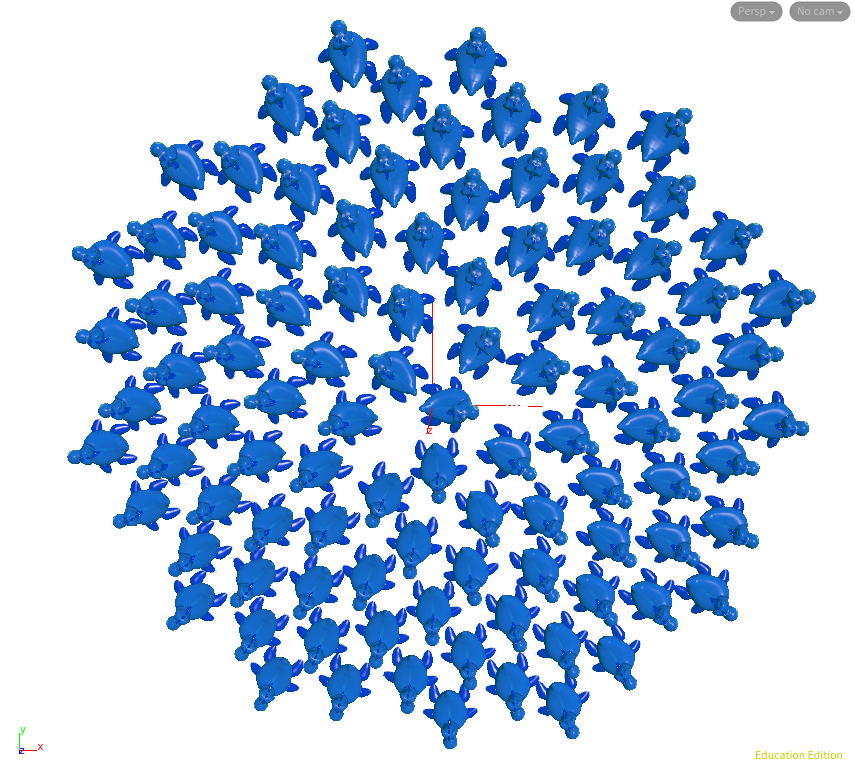
Phyllotactic Pattern — User-Defined Vex Functions
for loops
parameters
sin
cos
functions
quaternion
orient
qmultiply
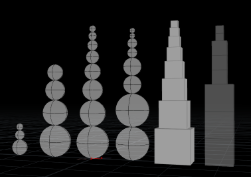
Procedural Snowmen
Building a snowman procedurally - hscript and point wrangle
setpointattrib
pscale
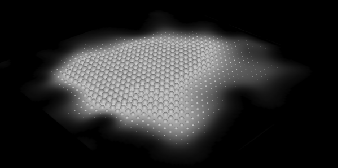
Extracting Image Data
vex to cops comparison
setpointattrib
colormap
luminance
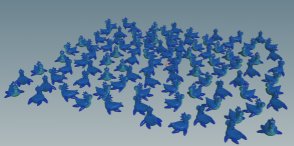
Rubber Toy Rotate
randomly rotating objects
random
fit01
maketransform
quaternion
orient
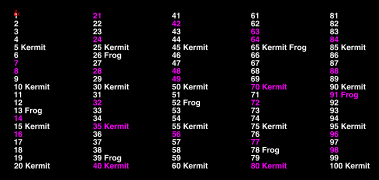
Fizz Buzz in wrangle form
addpoint
addpointattrib
setpointattrib
for loops
modulus
itoa
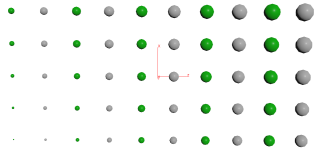
Creating and Grouping Points
addpoint
addattrib
setattrib
setpointgroup
for loops
modulus
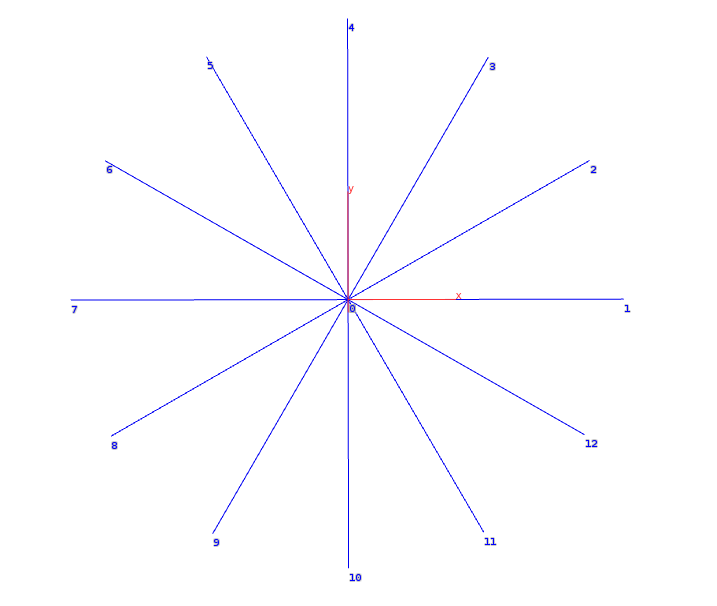
Spokes
groups using point wrangle
add node
Blowing Apart a Torus
second input to wrangle
point
lerp
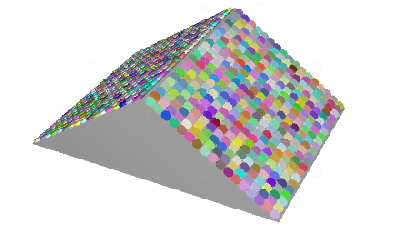
Candy Roof - calculated angle between two vectors
pos
distance
acos
dot
normalize
pow
setpointattrib
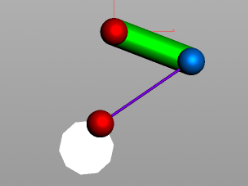
Two Point Constraint - from Math for VFX - wrangle version
acos
degrees
sqrt
pow
point
detail
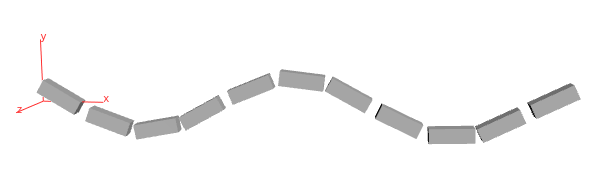
Curve Vectors - calculate vectors on curve for use as normals
vectors
second input
normals
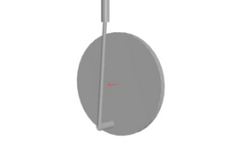
Train Wheels Variant - from Math for VFX - wrangle version
acos
degrees
point
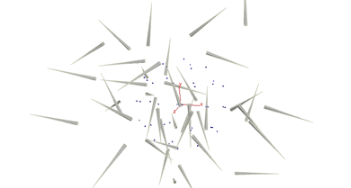
Pop Spin Spinning
Particles using pop spin while allowing initial orientation
maketransform
orient
quaternion
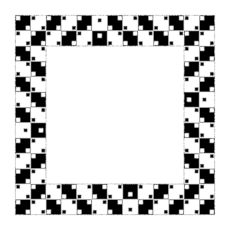
Dice Illusion
line
delete
orient
quaternion from rotation
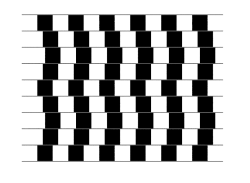
Bend Line Illusion
color
pscale
for fun
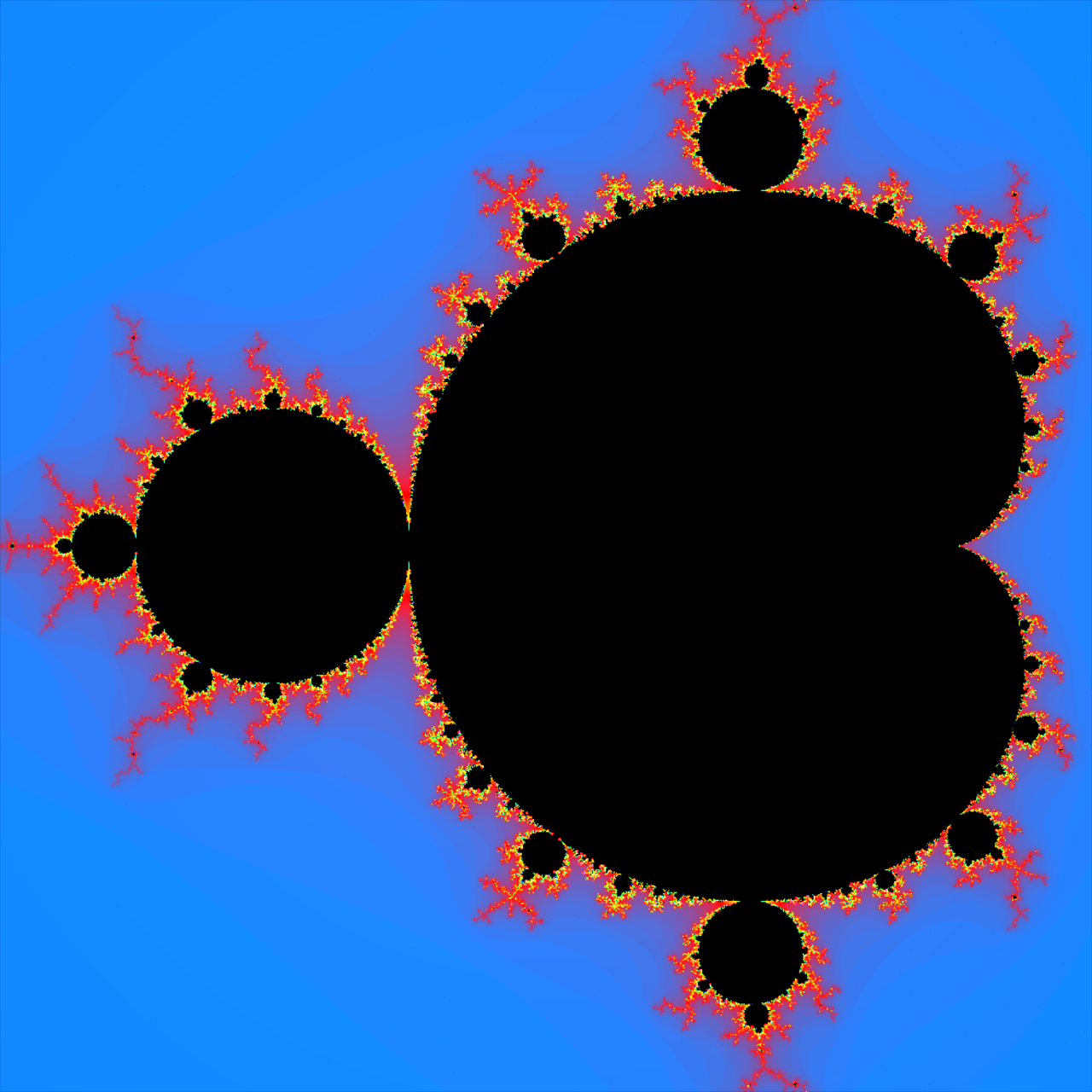
Fractals — Mandelbrot
Mandelbrot set
Fur Trees
add
polyspline
pointwrangle
fur node
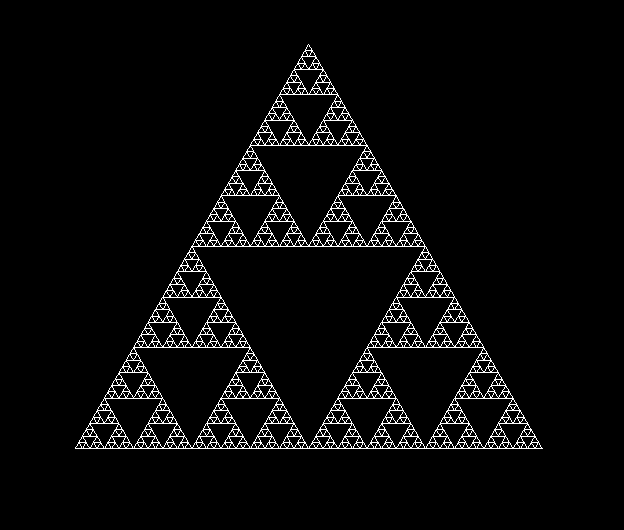
Sierpinski in Wrangle Nodes
vector4 xyzw
arrays
no recursion
details
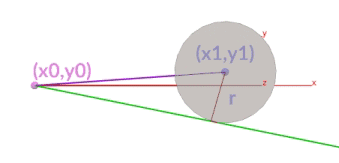
Tangent to a Circle
sqrt
asin
point
details
two opinputs
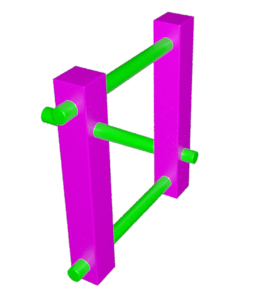
Impossible Object
ramp parameter
polywire
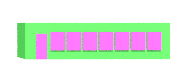
Positioning Windows with Side Door
details only
addpoint
for loops
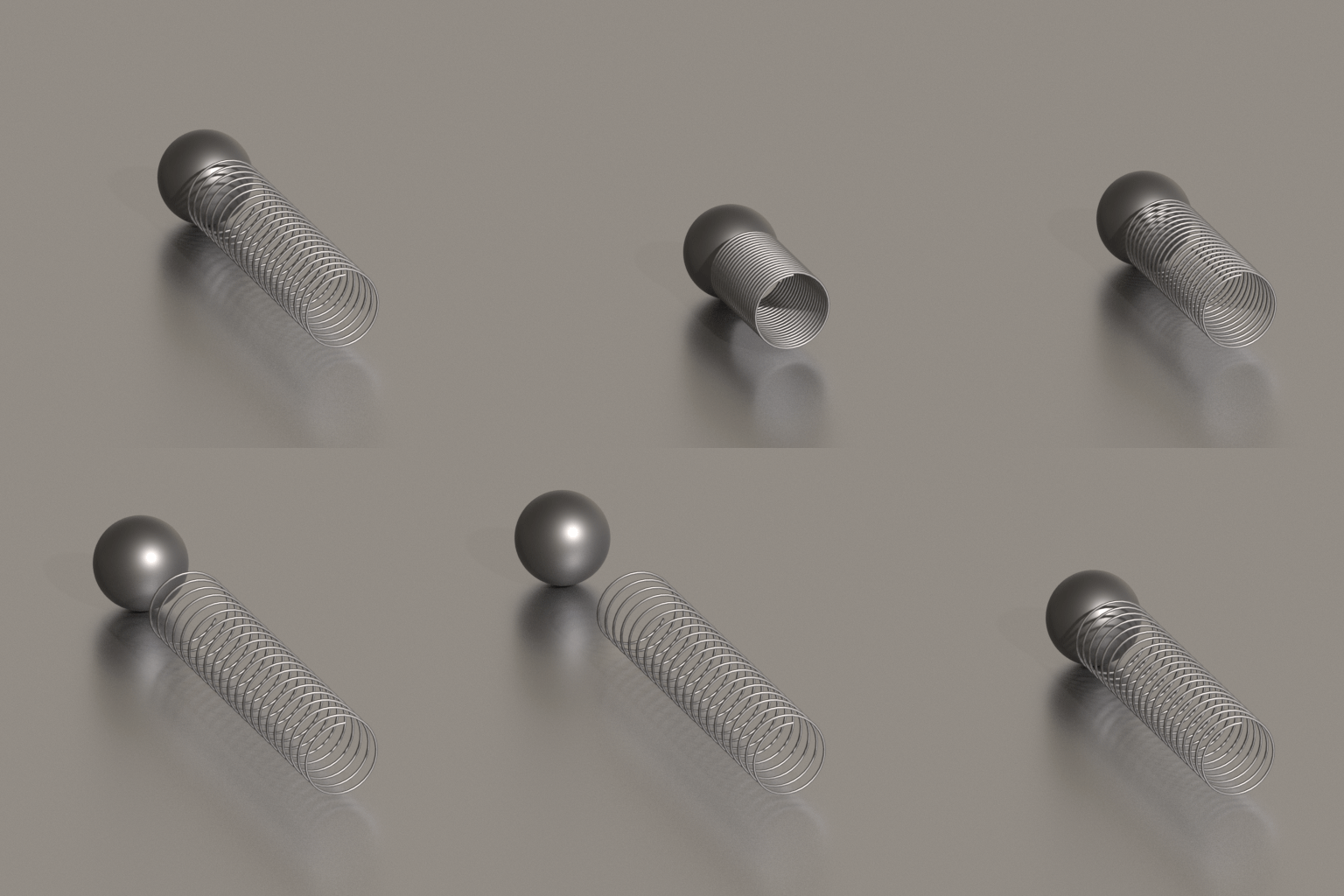
Procedural Springs
for-each
details only
cos
sin
getbbox_size
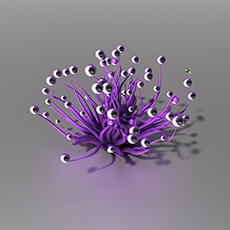
Noise Tentacles
vex using vop noise
uv texture on line
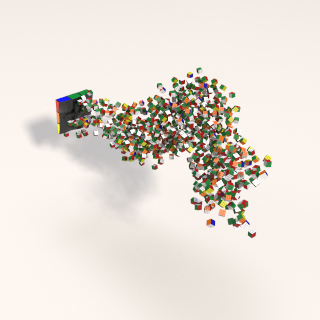
Rubik's Cube Disintegration
pop wrangle and pop vop for curve path follow
pop spin
pcopen
pcfilter
opfullpath
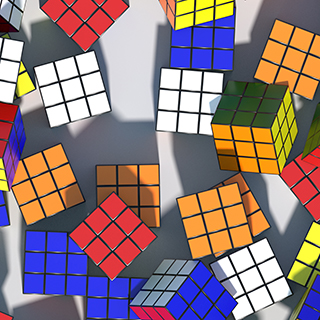
Rubik's Cube Mosaic
colormap
cop2net
opfullpath
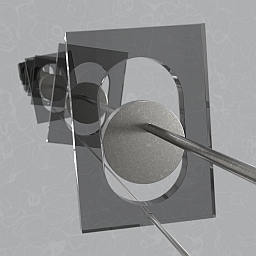
Wobble Wheels
dot product
see also: Math for Vfx
Additional Excellent Examples
external · wrangle-node specific
For other syntax references, see the VEX / VOPs / Python page.
| Resource | Date | Version |
|---|---|---|
|
Entagma: VEX in Houdini — Space Colonization
Strongly advise creating your own hip file - there is one provided. Also
my own notes hip.
|
Aug 2017 | H16.0 |
|
Len White — Escher in Houdini: Spirals
hip file I created based on tutorial: EsherSpiralLenWhite.hipnc
|
Aug 2017 | — |
|
Len White — Escher in Houdini: Sphere Spirals
hip file I created based on tutorial: EsherSphereLenWhite.hipnc
|
Aug 2017 | — |
| Bubble Destroyer card file by Viola Lyu | Spring 2017 | — |
|
VEX Circle Pattern exercise by Anastasia Opara
A good VEX intro exercise
|
Feb 2017 | — |
Other Resources
The idea — a Google search for "creating points in VEX snippets" — led to a few other resources:
| Resource | Author | — |
|---|---|---|
| Creating Geometry With VEX | Entagma | — |
Create UI controls — cgwiki on Vex
"ch() tells Houdini to look for a channel (a UI component, usually a slider).
Hit the plug icon to the right of the text editor — Houdini scans the VEX code,
realizes you've referred to a channel that doesn't exist yet, and creates a channel at the bottom of the wrangle UI." |
cgwiki | — |