RBD | Bullet Basics
If you have forgotten the rules of physics you may want a Physics Review.
Starting with the shelf tool, if you take a sphere and make it into an RBD object, this will create a dopnet. The dopnet can be thought of as a calculator that given the object and forces, it "solves" where the sphere will be at the next time step. Similar to the documentation, this pdf outlines the anatomy of dynamics in Houdini.
Try a simple solver: create a sphere, inside the geometry container add a Solver node, connect the sphere as the first input and inside the solver add a transform node with 0 1 0 and connect it to Prev_Frame. The solver keeps track of the previous position and adds 1 in y. This differs from a transform node at the SOP level which simply sets it to 1.
↑ Back to top
The recommended solver to calculate RBD is the Bullet solver due to its speed. However, in order to be fast, Bullet makes some assumptions. Most obvious is with collision objects — convex hulls for everything is default and collision padding is added. This makes the Bullet solver excellent for scenes of massive destruction. For more background I highly recommend Mike Seymour's Dec 2011 article "Art of Destruction".
The Bullet solver makes two assumptions regarding collisions to be more efficient:
- Convex hulls — essentially everything can be "shrink wrapped"
- Collision padding — may be added
The above hip file shows a sphere and a box. Start with this and create a static object (under Collisions tab) and an RBD object (under Rigid Body tab). You will notice that the sphere stops at the opening to the box — because Bullet assumes collision objects are convex. There are two ways around this: break up the pieces into convex shapes (worth it for building destruction), or use the concave selection on the collision.
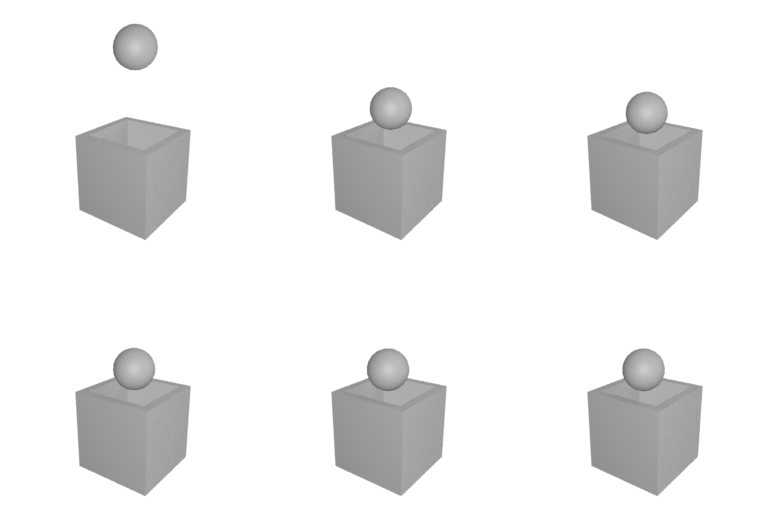
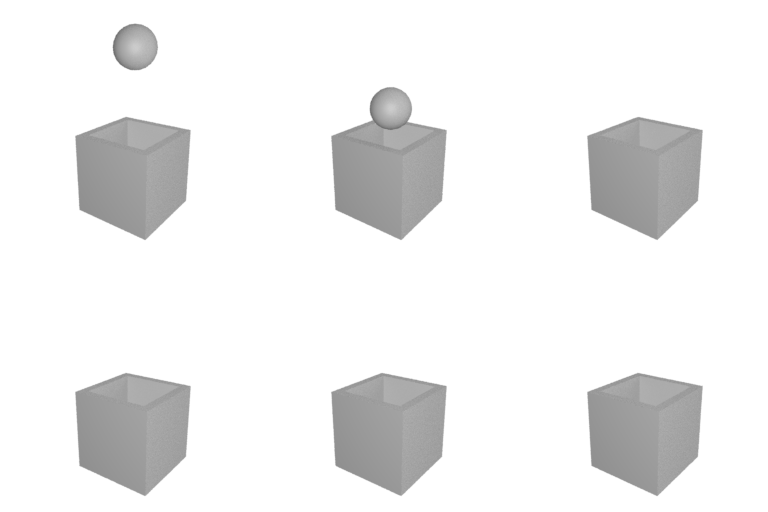

There is more information on the Bullet solver, but for now we will move on to the node most useful for layout: the RBD Instanced Object. You can display your collision geometry but do not leave that display on when you are simming or it will slow things down.
↑ Back to top
Including rendering using Redshift / Mantra / Karma and simming to points using transform pieces.
Also on YouTube at https://youtu.be/bFtT3hqBuJI
↑ Back to top
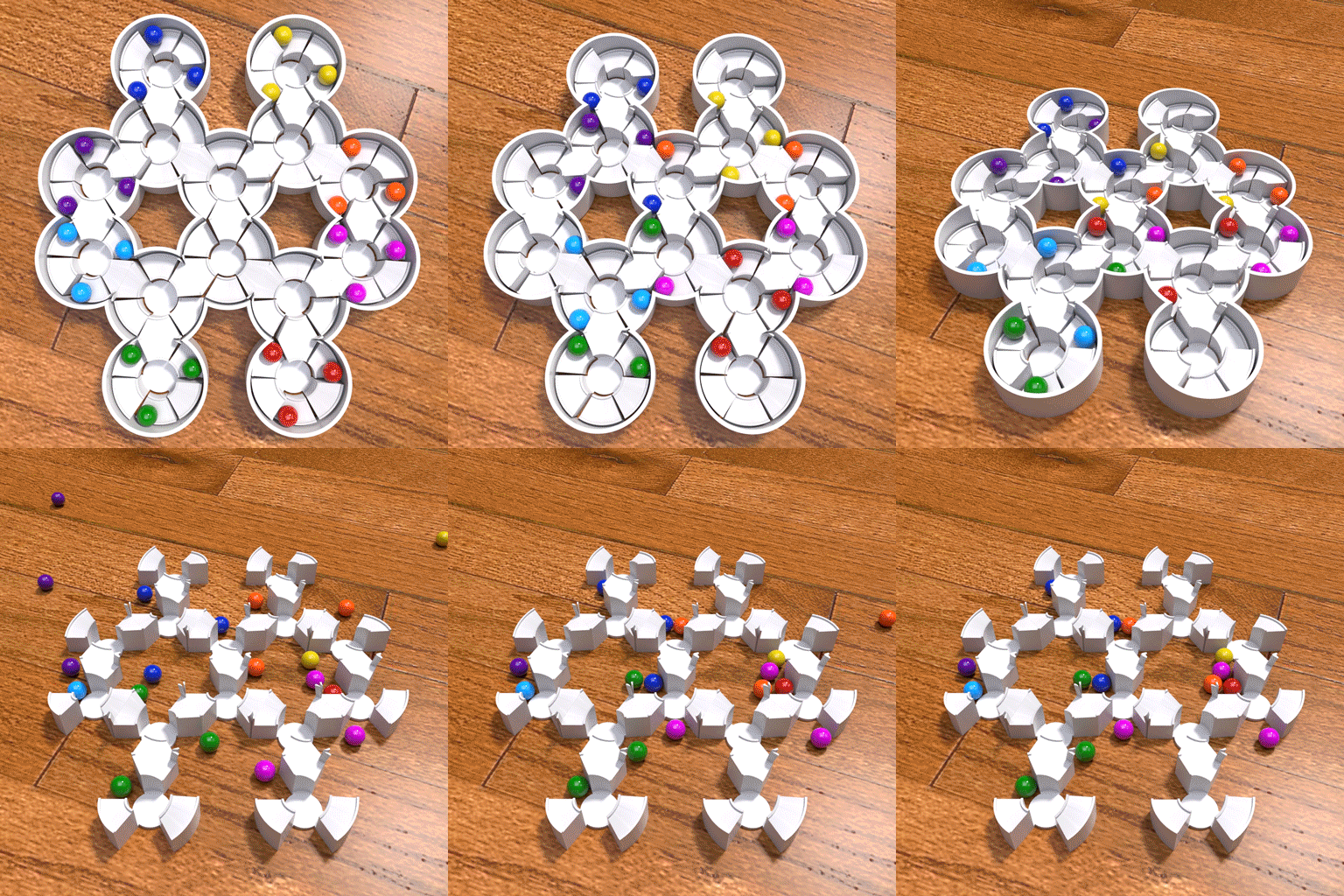
This is similar to the concept in SOPs of a copy or instance. The RBD Instancing Node takes points and instances objects on those points. In the DOP the objects act like individuals. Click the images below for examples.
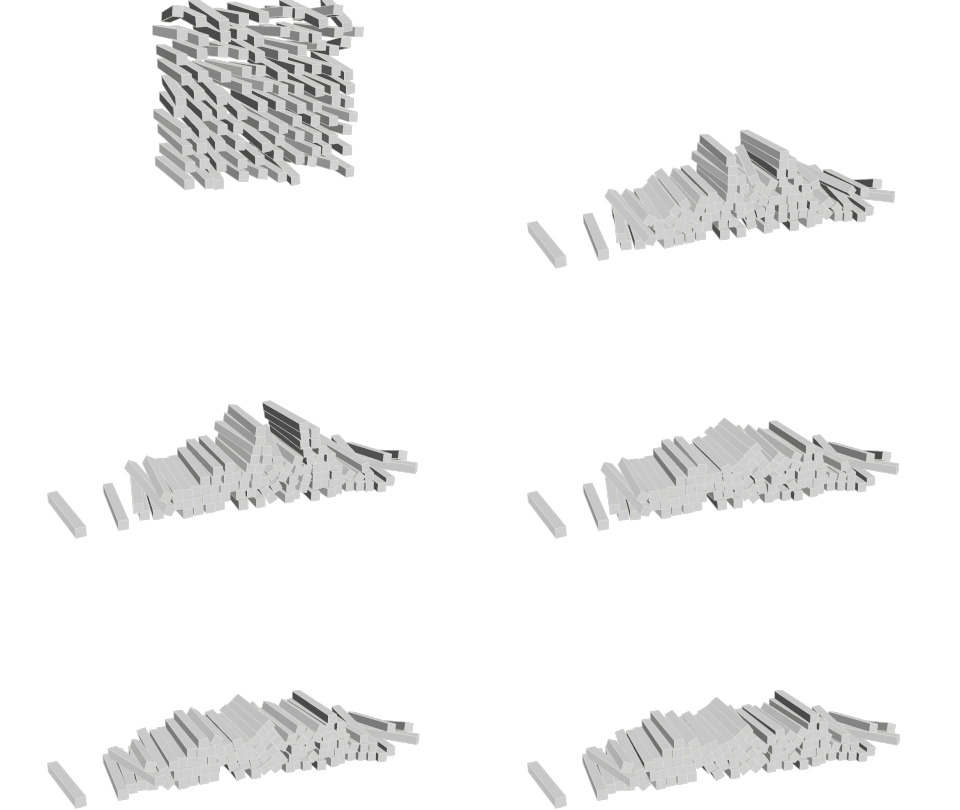


 Example File
↓ jellyPileH18.hipnc
Jelly beans falling on a plate — introduces caching for layout purposes
Example File
↓ jellyPileH18.hipnc
Jelly beans falling on a plate — introduces caching for layout purposes

↑ Back to top
↑ Back to top
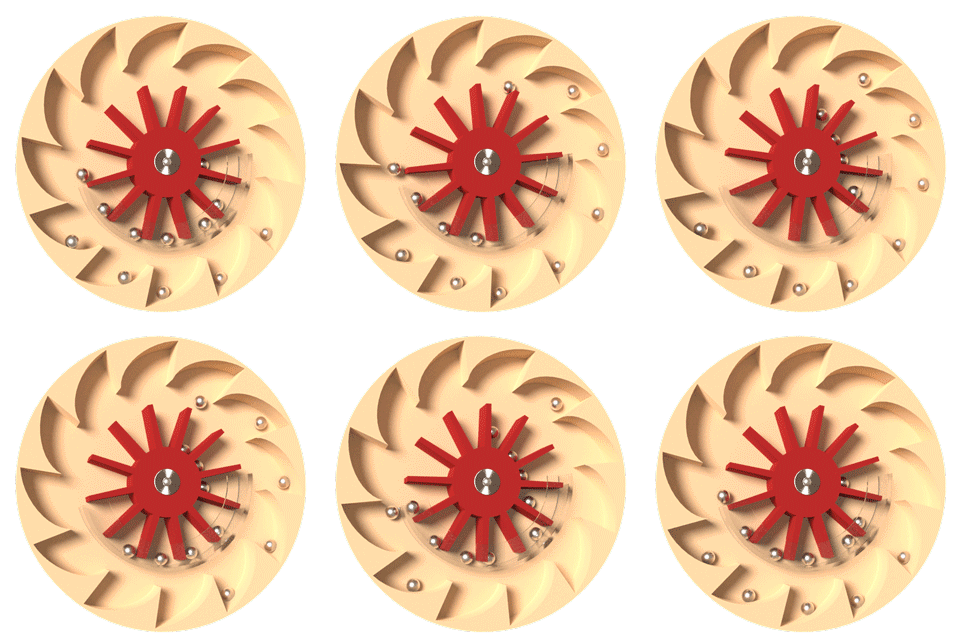
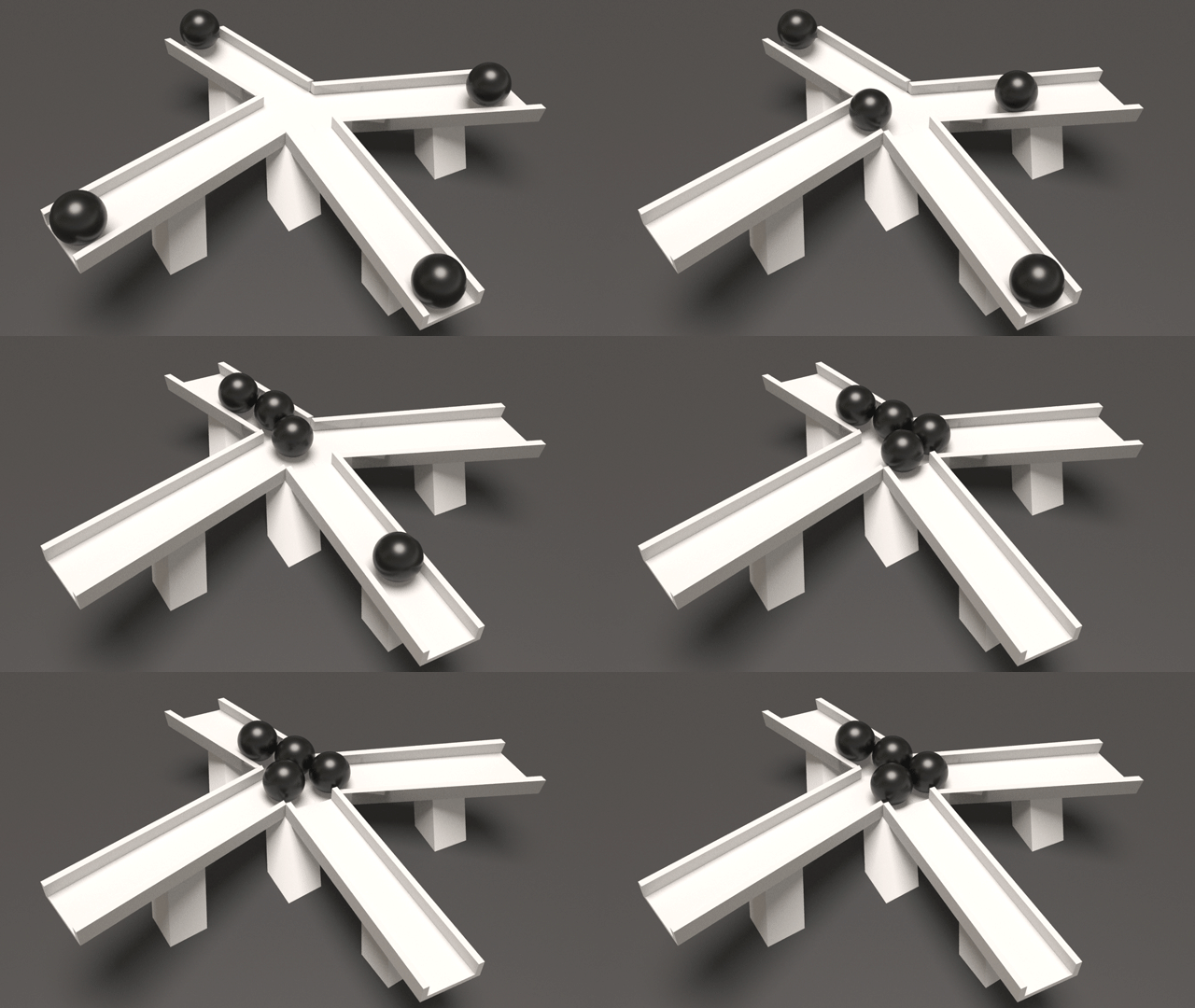
A few more examples of using the Bullet solver — brief descriptions here and here.
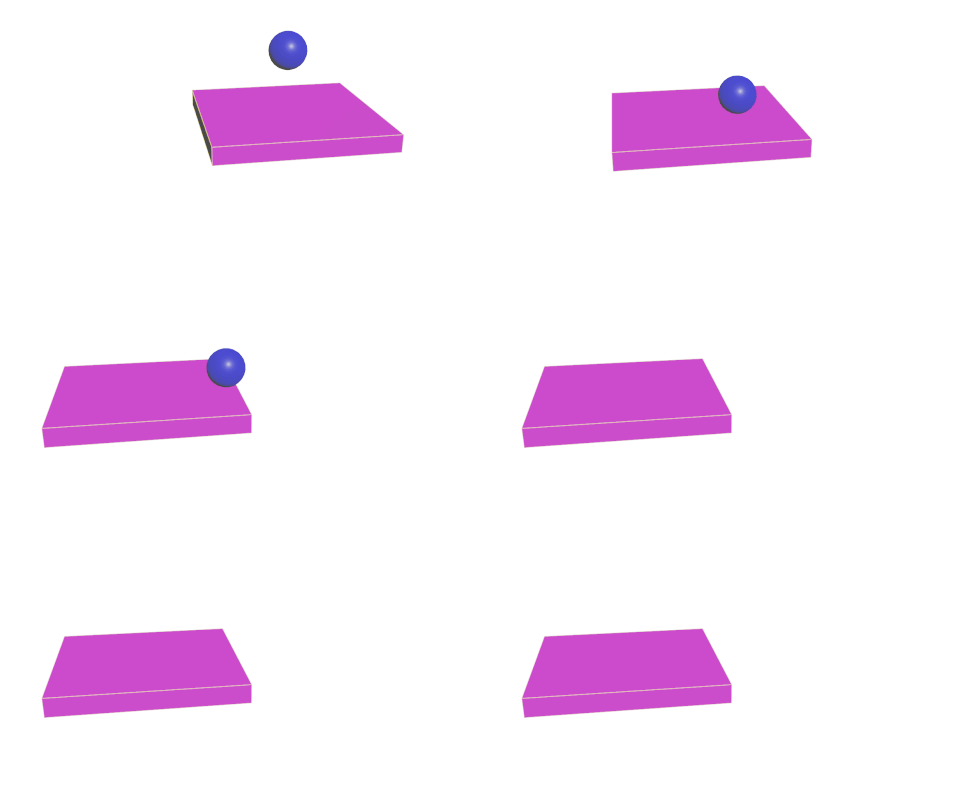
An example of a static object turned into a deforming and active object (two checkboxes):
↑ Back to top